

BUILD YOUR
SOUND.
Create VSM, VST, AU, and VST3 plug-ins for Windows and Mac without coding.
Let our AI create your plug-in as you wish. Test it and have fun!
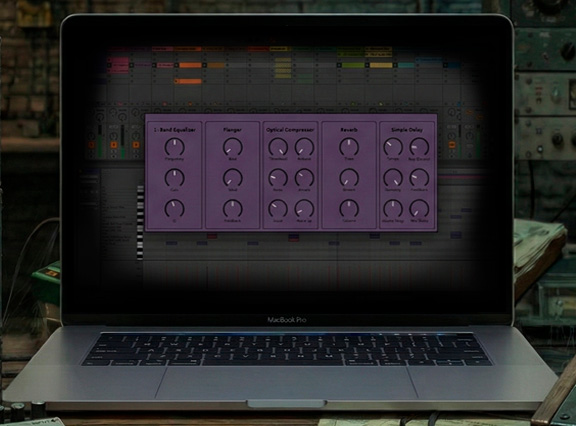
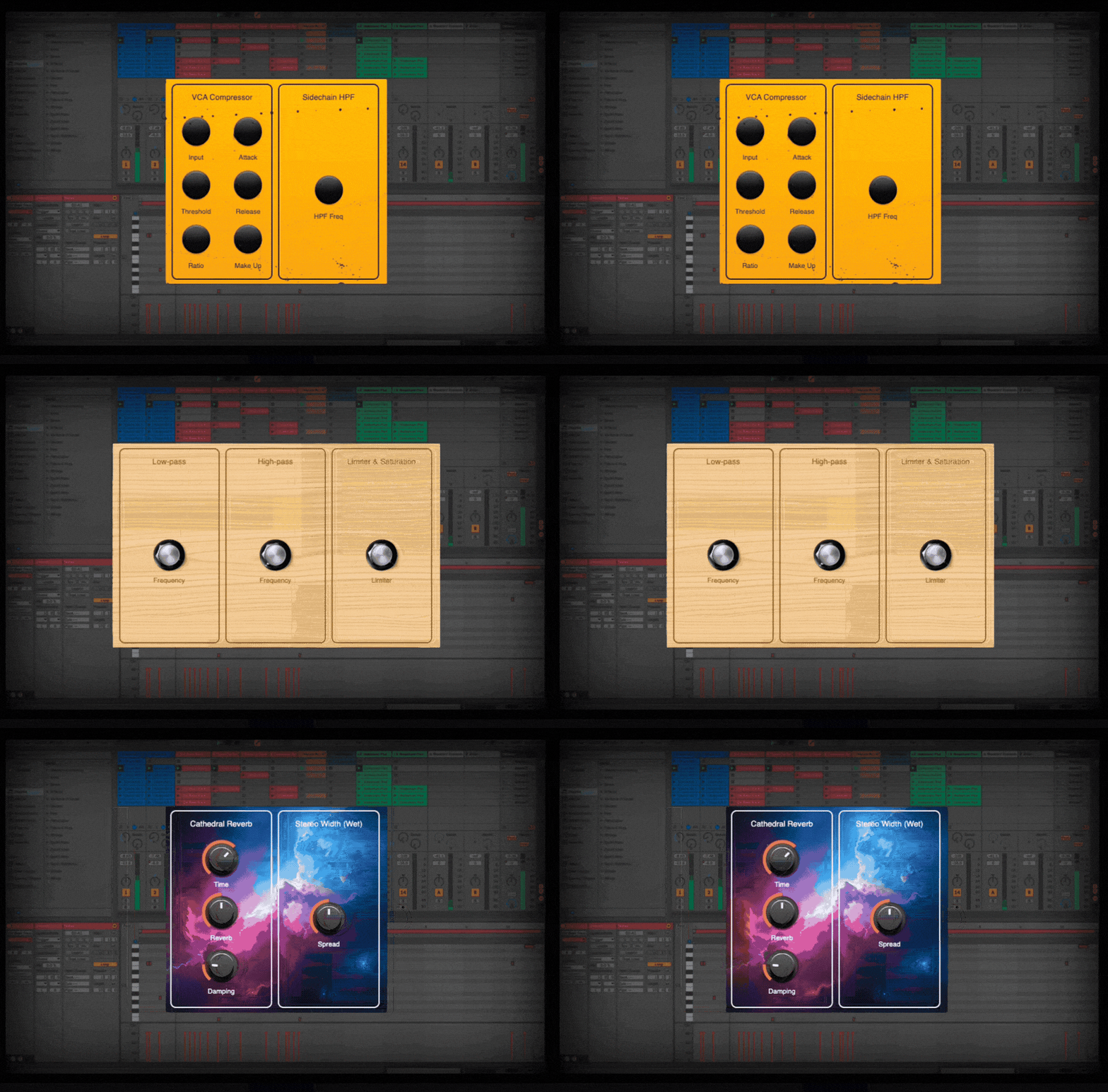
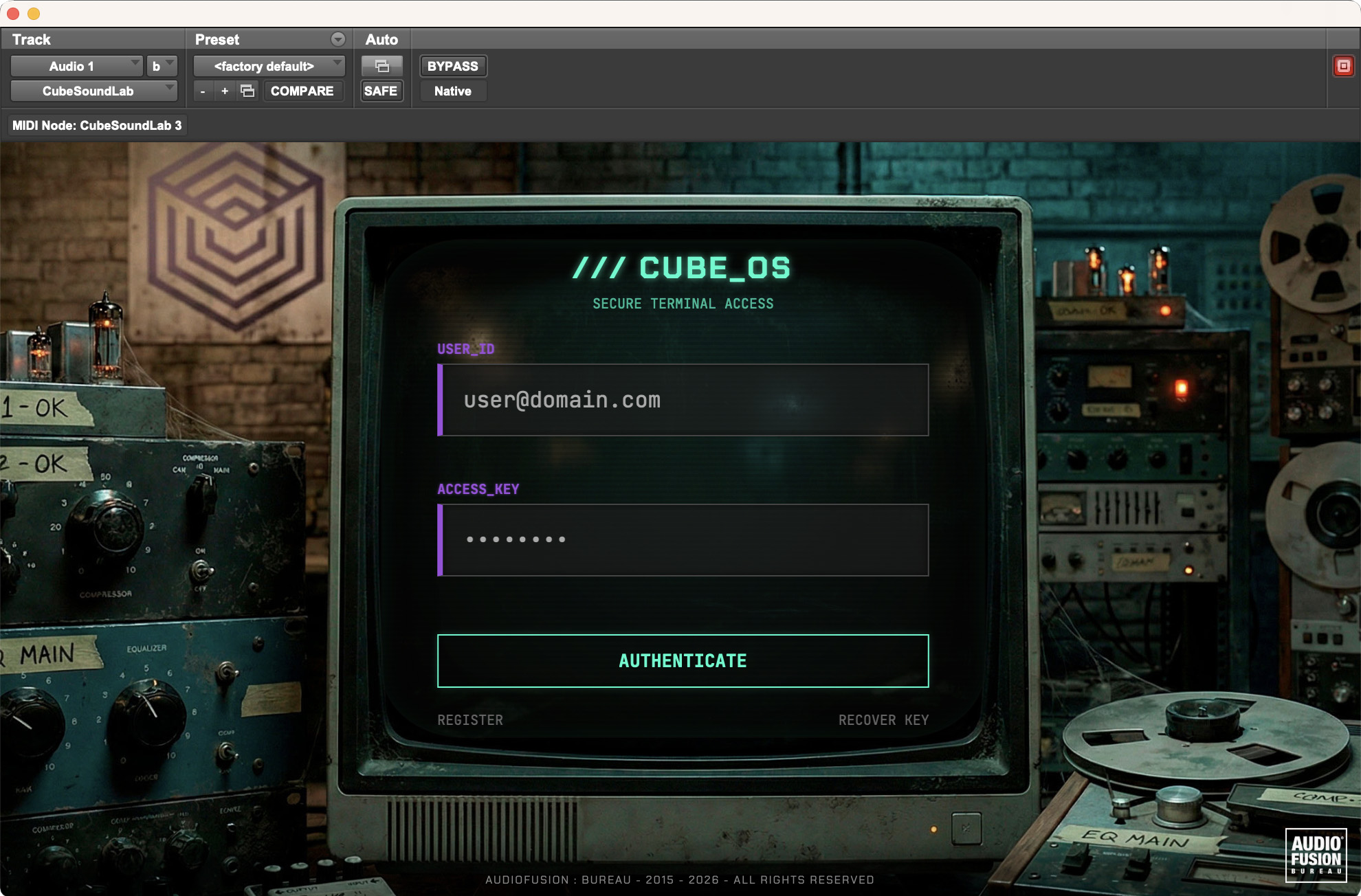
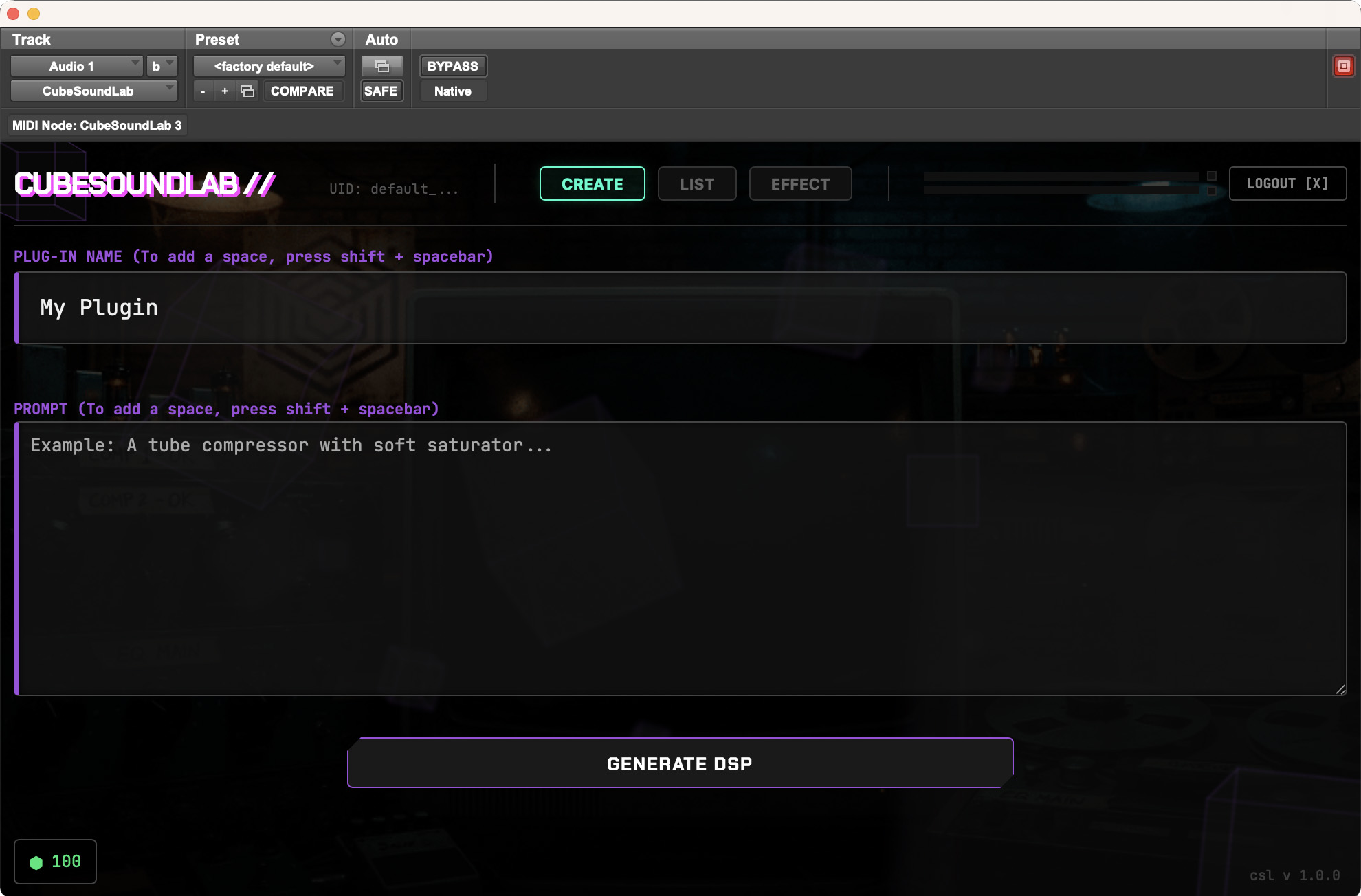
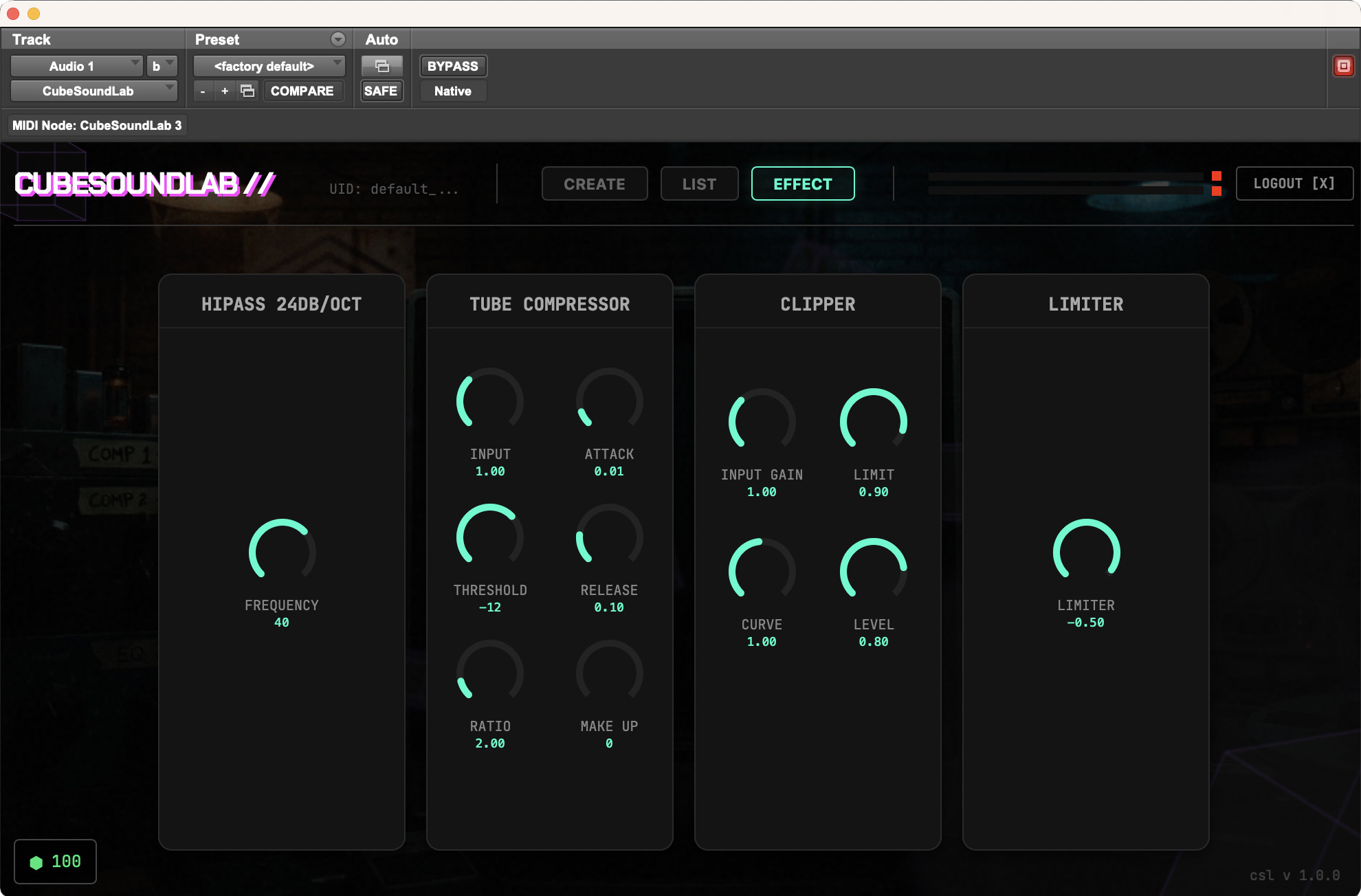
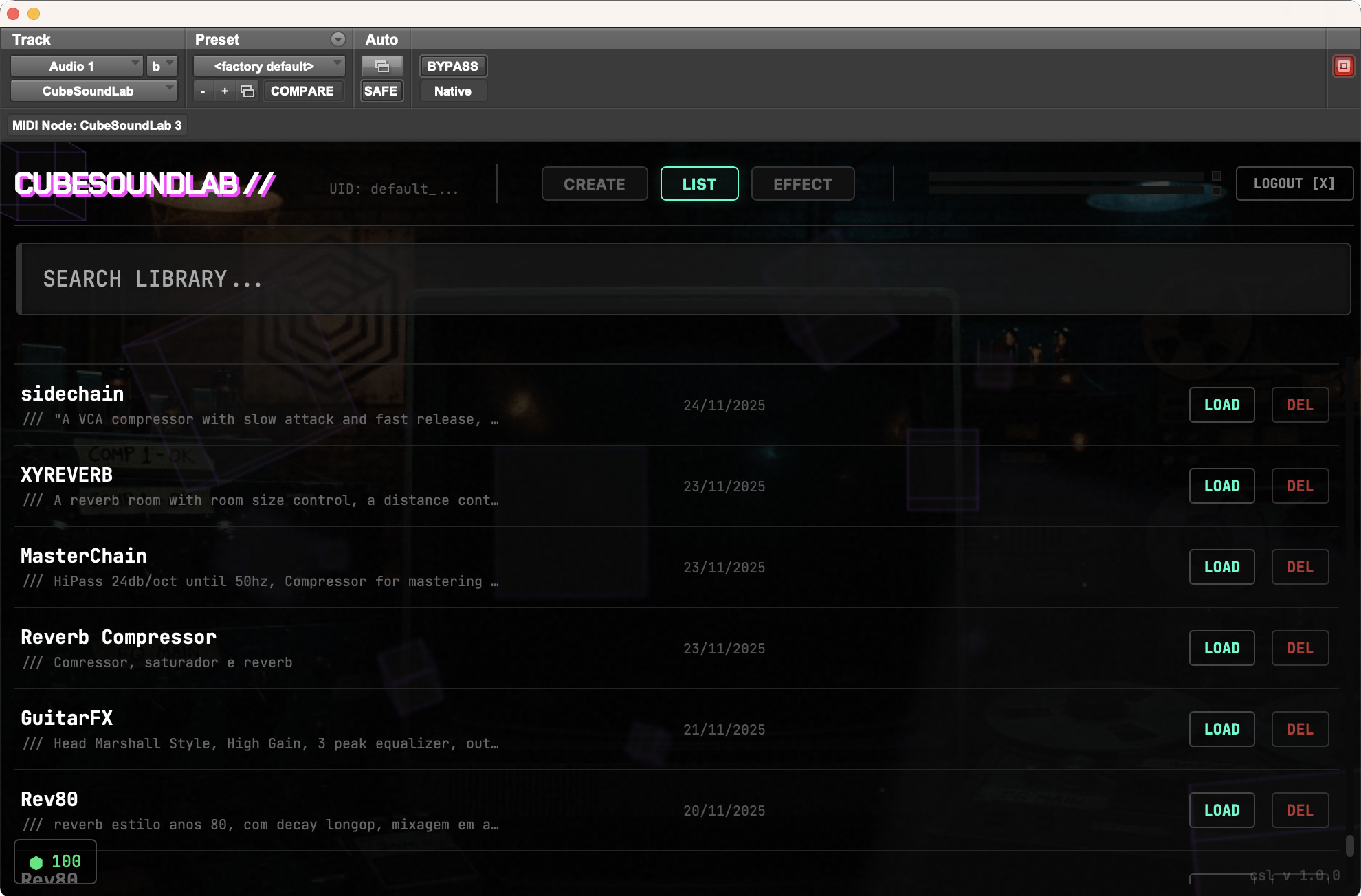
CUBESOUNDLAB PLUG-IN
The CubeSoundLab plug-in brings the power of AI-powered effects creation to your DAW. You can create new dynamic effects, filters, modulators, reverbs, spatial effects, and load them whenever and wherever you want. Available in AAX, VST3 & AU formats.
* Requires macOS 10.13+ or Windows 10+ (64-bit)
LAB_DATA [FAQ]
CubeSoundLab is not a store for ready-made plug-ins, but an AI-assisted creation ecosystem developed by AudioFusion: Bureau. Our platform allows you to describe an audio effect in natural language and receive a functional plug-in (VST/VST3/AU) in seconds.
- Effect generation: 2 credits
- Background image: 0 credits
- Win/Mac installer: 2 credits
- Stems separation: 2 credits
- EQUAL Analysis: 1 credit
- DeCOMPOSE Music: 1 credit
No. Our technology eliminates the code barrier. You don't need to understand frameworks or programming languages. Just type a prompt like "An analog delay with degrading repeats".
VST, VST3, and AU for MacOS (Intel & Silicon) and VST and VST3 for Windows. VSM is available for use in our online DAW, LetsDAW.
Native Linux binary export (.so) is not supported yet. However, you can fully utilize your creations via the VSM format within LetsDAW, which runs directly in the browser on Linux.
Yes. Our compilers generate installers compatible with modern macOS. For best performance, we recommend using VST3 or AU formats on Apple's ARM architecture.
The current engine focuses on Audio Effect Processors (FX) like reverbs, delays, compressors, etc. Creation of virtual instruments (VSTi) is on our roadmap but not enabled yet.
The GUI is generated automatically based on your visual prompt, but functional controls are standardized as rotary knobs. Switches or drop-down menus are not yet supported.
Yes, commercialization is allowed for Enterprise License holders. When you export a VST/AU, you receive the functional binary. The final product is yours to distribute or sell.
When you purchase the enterprise license ($599 one-time), we create a unique plug-in builder for you. All plug-ins you create will be licensed to you/your company for commercial use.
We assume you wouldn't want to sell plug-ins with a watermark in the interface or that appear in the DAW as AudioFB plug-ins.
Click below to contact us: